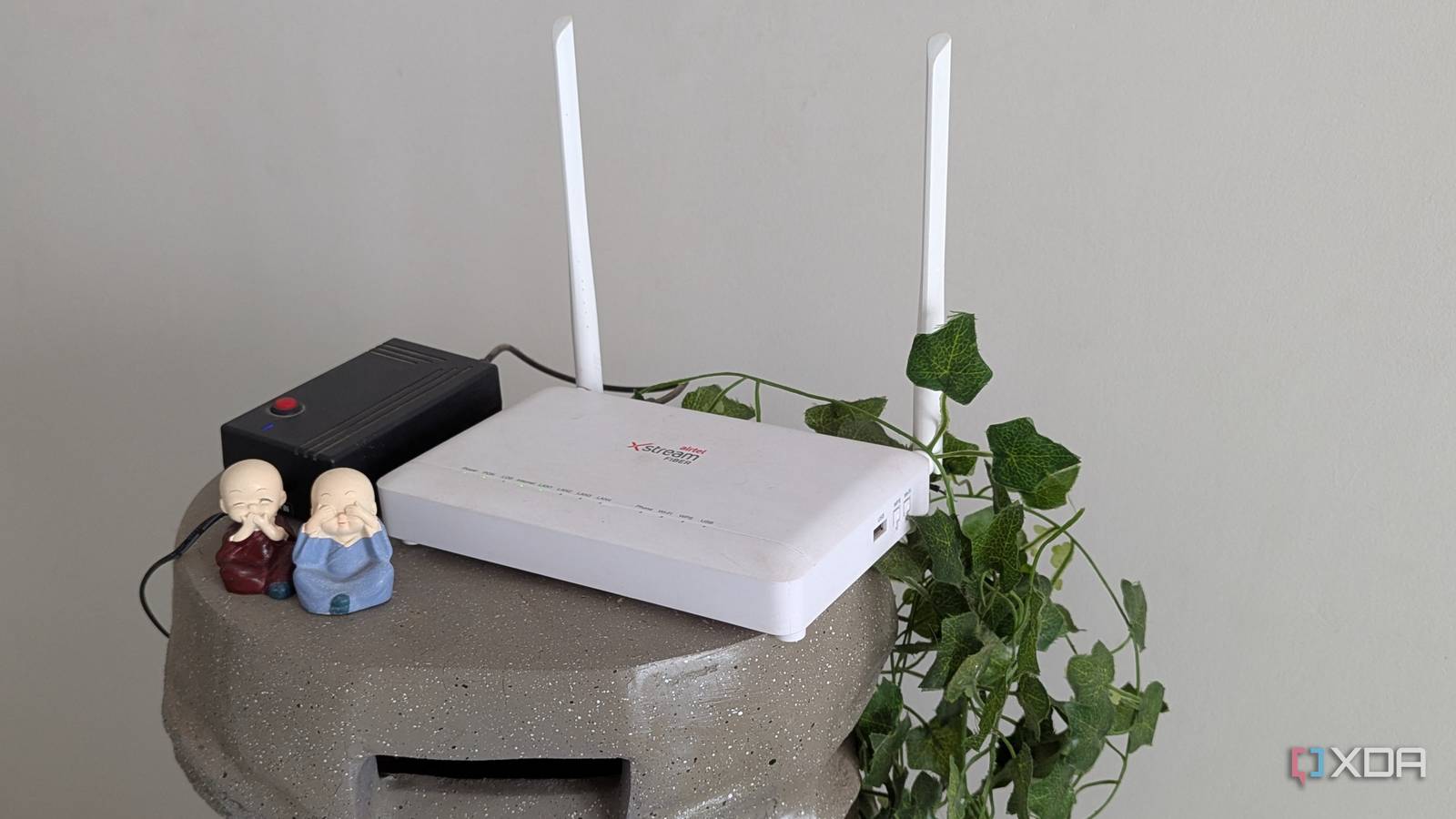
Most routers boast that they can handle up to 253–254 devices because that’s the mathematical limit of a standard private IP range. The reality is your router is a small computer, and just like a laptop slows down with 100 Chrome tabs open, your router’s CPU and RAM choke long before you actually hit that 254th device.
In 2026, we aren’t limited by speed; we’re limited by concurrency, the ability of our router to talk to 50 devices at the same time without dropping the connection. In recent years, we’ve seen the average smart home balloon from just a few light bulbs to a complex ecosystem of 30+ devices, including high-bandwidth 4K cameras and AI-powered appliances. While your router might claim to support 250+ connections, the real-world limit where performance starts to tank is often much closer to 30 to 50 devices. As a result, your smart home might start struggling.
Why can’t your router keep up?
Your router might be drowning under your smart home
The problem is that most cheap smart home gear, like bulbs, plugs, and sensors, only use the 2.4GHz band because it’s budget friendly and has better range. This means that, as a result, even if you have a Wi-Fi 6 router, all 40 of your smart home switches are fighting for space on the narrow 2.4GHz band. This results in your 4K Netflix stream on the 5GHz band starting to stutter because the router’s processor struggles to manage the queue.
There are a range of other signs that your router is full and being overloaded. The first is ghost connections. If you notice a smart plug is offline in the app, but it fixes itself if you reboot the router, then that’s probably a sign that your router is struggling to keep up with the load.
Another is command latency. Let’s say you tap
Your router has a client limit, and it might be a problem for your smart home