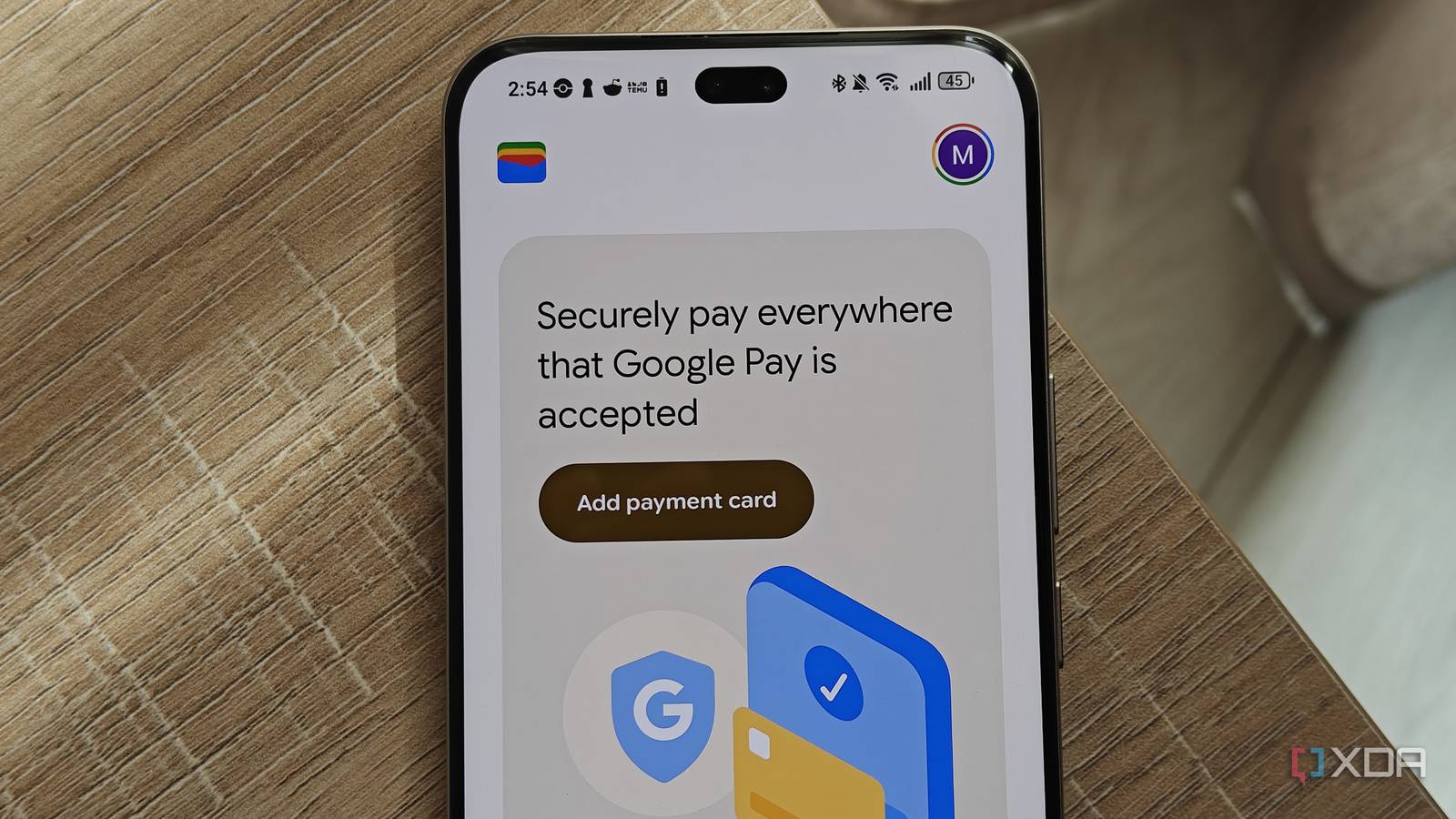
While storing credit and debit cards is what Google Wallet is most known for, the app can actually do a lot more than that. In fact, if you’re like me, contactless payments might be the last thing on your mind when you open up the app.
I usually look for ways to replace Google services, but Google Wallet is an app I still rely on heavily. If you haven’t kept up with the various features it has rolled out over the years, you might not realize how much it can do…
Payments are actually the last thing I use Google Wallet for
A few factors contribute to this
While Google Wallet has been available where I live since 2022, its slow rollout compared to other contactless payment solutions meant that I never really got invested in Google as a way to make contactless payments.
Competitors like Apple Pay and Samsung Pay were available much earlier, but were limited to specific smartphone brands. So I just became used to using my physical cards, which have NFC chips, for contactless payments.
Even when I plan to use Wallet to pay for items, I still carry my cards around as a backup, just in case. I’ve had plenty of occasions where the NFC capabilities of card machines don’t work properly, so I need to swipe my card instead. As a result, I’ve just never built the habit of using my phone for payments.
Most of all, when it comes to crime, my phone is a bigger target than my wallet. I feel better having my cards around and have never really felt comfortable with relying on my phone for payments except for the occasional QR code. But even in cases like QR code scanning for payments, other solutions and local banking apps introduced the capability before Google introduced its service locally.
Despite this, Wallet is an essential app for my smartphone. So what do I actually use it for?
Google Wallet is the best home for my boarding passes
It makes flying so much easier
While my stored credit cards remain neglected in Google Wallet, I frequently use the app for boarding passes. As Google delayed its rollout of a contactless payment app in South Africa, other companies launched solutions and alternatives that made payments easier, including banks.
The same cannot be said for apps that handle transport passes. Local airlines allow you to create a digital copy of your boarding pass, but the solutions for accessing them rely on their booking apps, third-party email and PDF apps, and WhatsApp. But Google Wallet provided an easy way to store and access boarding passes.
Not only is this more convenient than carrying a physical boarding pass, but the ability for Google Wallet to pin a pass into your notifications makes it really simple to access. It’s why I quickly pivoted to using the app as soon as I could, since I was constantly losing the window with the relevant email or message from the airline.
You can also use it for other types of transport passes, including bus and train passes. This positive experience with the app led me to look at other ways I could use it too.
Google Wallet is also home to my loyalty cards
I no longer have to keep dozens of cards handy
I have a love-hate relationship with loyalty cards. I find scanning them annoying and often misplace the physical card, but need to use them to unlock discounts at the shops I frequent the most. Some rewards programs also give you credit depending on how much you spend.
As a result, I use these cards despite resenting the inconvenience. The majority of cards in my wallet were loyalty cards. But I’ve also misplaced plenty over the years because I can’t actually fit every single one in my bag. As a result, I sometimes have to rely on the store’s mobile app to access my loyalty card.
Google Wallet helped me solve this. I could upload a card to the app easily. In the case of lost cards, I could take a screenshot of my digital copy in a retailer’s app and store it in Wallet instead. Now, instead of scrolling through a bunch of apps and menus to access my digital cards, I can just use Wallet, which lists them alphabetically.
I could also ditch the many loyalty cards that were taking up the majority of space in my wallet. Since this feature relies on barcode scanning rather than NFC readers, I don’t have to worry about card machines not registering them properly. And even if the scanning doesn’t work, it’s not dire. This means I feel much more comfortable leaving any physical copies of these cards I still have left at home.
While I’ve replaced apps like Google Keep and Google Chrome, I imagine that Google Wallet is here to stay.
Google Wallet can do more than you realize
While I mostly use Google Wallet for boarding passes and loyalty cards, it has many features you can use for storing digital copies of tickets, passes, and other credentials. You can add theme park and concert tickets to the app, and certain US residents can even add copies of their driver’s license and ID.
I plan to upload my medical aid card to the app so that I don’t have to go digging around in my wallet every time I need to fill out my membership details at a new doctor. But you can even add gift cards and gym memberships to clear up some wallet clutter.
Overall, my wallet is looking a lot leaner and has become easier to navigate thanks to Google Wallet.
Google Wallet replaced most of my wallet, and credit cards aren’t the reason


RELATED ARTICLES